Choosing SERP tracking software San Diego businesses can act on is the fastest way to stop guessing about your Google visibility. Rankings here shift block by block: a locksmith can hold position 2 in North Park and position 9 in Chula Vista for the exact same keyword at the same moment. This guide walks through the rank tracking setup we run for clients at UR Local Marketing, including Google Search Console as the free baseline, grid tracking for the Map Pack, the paid tools worth the money, and what to review weekly versus monthly.
Table of Contents
- What SERP Tracking Software San Diego Companies Actually Need
- Start With Google Search Console: The Free Baseline
- Grid Tracking for the Map Pack
- SERP Monitoring Tools Worth Paying For
- Rank Tracking Setup: 7 Steps to Get It Right
- What to Track Weekly vs Monthly
- SERP Tracking Software San Diego FAQ
- Get Your Free San Diego Visibility Audit
What SERP Tracking Software San Diego Companies Actually Need
San Diego County covers more than 4,500 square miles and over 100 distinct neighborhoods, and Google treats almost every one of them as its own micro market. Proximity remains one of the strongest local ranking signals, so the position you see from your office in Mission Valley says nothing about what a customer sees in La Mesa. Any tool that reports a single national ranking number is reporting fiction for a local business.
That is why the SERP tracking software San Diego service businesses rely on needs three specific capabilities: geo-located organic tracking at the city or ZIP level, grid scans that show Map Pack positions across your service area, and Google Search Console integration to tie positions to real clicks. Our locksmith client Key Korner competes in more than 40 San Diego neighborhoods with a 5.0 rating, and grid data is the only honest way to see all of those zones at once.
One more note before the setup: tools collect data, but they do not interpret it. If you want to understand why we pair every tracking stack with human analysis, read our breakdown of why SERP consultants in San Diego outperform dashboards alone.
Start With Google Search Console: The Free Baseline
Before paying for anything, claim your free data. Google Search Console shows the exact queries that triggered your site, plus impressions, clicks, click-through rate, and average position for each one. It is first-party data straight from Google, which makes it the foundation of any honest rank tracking setup.
Three things to do this week: verify your domain property, submit your XML sitemap, and export the last 90 days of queries sorted by impressions. That export becomes your keyword list in the steps below. When we rebuilt Mal Al Sham’s online presence in El Cajon, Search Console is where the 400 percent impression growth showed up first, weeks before the 250 percent jump in online orders followed.
Know the limits, though. GSC averages positions across every searcher location and device, lags about two days, and shows you nothing about competitors or the Map Pack. It is the baseline, not the whole system.

Grid Tracking for the Map Pack
The Map Pack drives the calls. For most of our service clients, 60 to 75 percent of profile-attributed actions start in those three map results, and Map Pack position changes with every mile a searcher moves. Grid tracking solves the measurement problem by dropping virtual pins (commonly a 5×5 or 7×7 grid) across your service area and running your keyword from each pin.
The output is a color-coded map: green pins where you rank top 3, yellow where you sit mid-pack, red where you are invisible. That geography tells you exactly where to focus. A red cluster in Carmel Valley means you need review velocity, localized content, or citation work targeting that zone, not more generic blogging.
Set the grid radius to match your real service area rather than a default 5 miles, and run money keywords weekly with the long tail monthly. Grid scans are the feature that separates the SERP tracking software San Diego operators need from generic national rank checkers. Pair every scan with Google Business Profile performance data so position changes connect to calls and direction requests.

SERP Monitoring Tools Worth Paying For
The market for SERP monitoring tools splits into two tiers. Local-first platforms such as Local Falcon, BrightLocal, and Whitespark are built around grid scans, review monitoring, and citation tracking, and typically run 30 to 100 dollars per month. Full suites such as Semrush and Ahrefs add competitor research, backlink data, and site audits, usually from 100 to 500 dollars per month.
Whichever tier you pick, insist on four boxes: pin-level local tracking, mobile-first results (most local searches happen on phones), SERP feature detection for the Map Pack and AI Overviews, and scheduled reports your team will actually read. The free one-off SERP checker San Diego owners often search for is fine for a spot check, but it cannot show trends, and trends are the entire point of monitoring.
Rank Tracking Setup: 7 Steps to Get It Right
Here is the exact rank tracking setup we deploy for new clients, the same process behind our SEO services campaigns.
- Export 90 days of Search Console queries and shortlist 10 to 25 keywords with real buying intent.
- Map each keyword to one target page so you can diagnose page-level problems later.
- Set tracking locations to your actual cities and ZIP codes, never a generic United States setting.
- Configure a Map Pack grid (start with 5×5) using a radius that matches your service area.
- Add three to five real local competitors: the businesses in your Map Pack, not national brands.
- Set mobile as the primary tracked device and desktop as secondary.
- Schedule weekly scans for money keywords and a monthly deep-dive report for everything else.
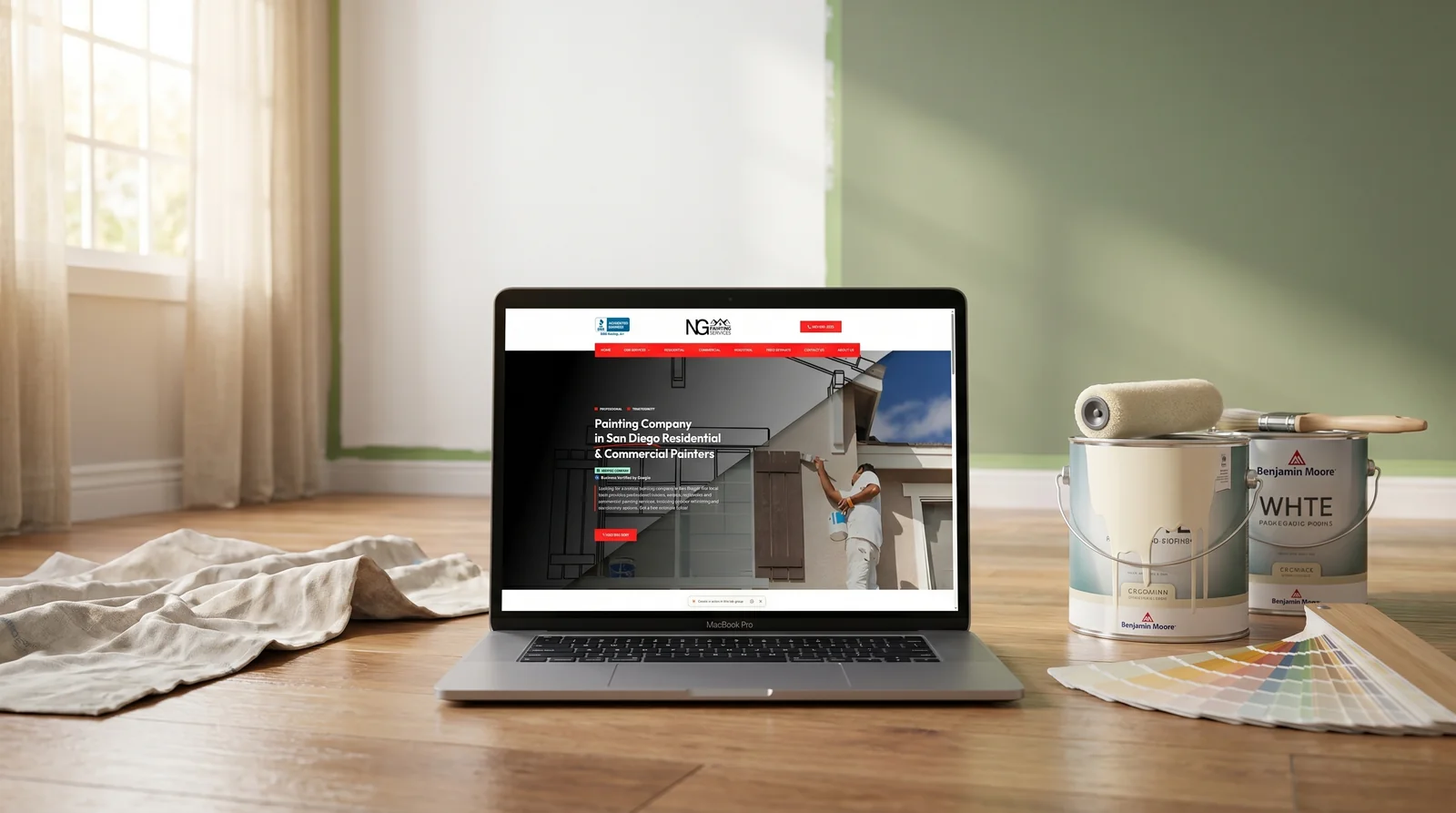
This structure scales. For NG Painting we tracked the same keyword set across 12 cities, and the visibility data showed exactly which cities needed dedicated landing pages. The result was Top-5 rankings in all 12 cities and a 200 percent increase in quote requests.
What to Track Weekly vs Monthly
Weekly checks should take 15 minutes. Monthly reviews are where strategy decisions happen. Splitting the two keeps you responsive without turning rank checking into a daily habit, because day-to-day position fluctuation is noise, not signal.
Track weekly:
- Positions for your 10 to 25 money keywords
- Grid average for your top three keywords across the service area
- Google Business Profile calls, direction requests, and website clicks
- New reviews, both yours and your closest competitors’
Track monthly:
- Search Console impressions and click-through rate versus the prior period
- Share of local voice against your three to five tracked competitors
- SERP feature changes, including AI Overviews and Map Pack layout shifts
- Pages losing positions that need a content refresh
- Citation and review velocity compared with the top competitor
One exception: if a weekly scan shows a sudden multi-position drop across the grid, do not wait for the monthly review. Check your profile status, recent site changes, and new competitor listings the same day.
SERP Tracking Software San Diego FAQ
What is the best SERP tracking software San Diego businesses can start with?
Start free with Google Search Console for query and click data, then add one grid-capable local rank tracker such as Local Falcon or BrightLocal for Map Pack visibility. That two-tool stack covers 90 percent of what a single-location San Diego business needs and costs under 50 dollars per month at entry tiers.
How much does SERP monitoring cost for a local business?
Search Console is free. Local grid trackers run roughly 30 to 100 dollars monthly depending on keywords, scan frequency, and grid size. Full suites like Semrush start near 120 dollars monthly. Most of our clients skip standalone subscriptions entirely because monitoring, grid scans, and reporting are bundled into their campaign.
What is grid tracking and does my business need it?
Grid tracking runs your keyword from dozens of pinned locations across your service area and maps your Map Pack position at each pin. If customers call you from more than one neighborhood, you need it. Single-point rank checks hide weak zones, and weak zones are usually where the easiest revenue gains sit.
How often should I check my San Diego rankings?
Scan money keywords weekly and review the full picture monthly. Daily checking wastes time because Google results naturally fluctuate day to day, and reacting to noise leads to bad decisions. The exception is a sudden sharp drop across many keywords, which deserves a same-day investigation of your site and Google Business Profile.
Can Google Search Console replace a paid rank tracker?
No. Search Console is essential first-party data, but it averages positions across all searcher locations, excludes Map Pack tracking, lags about two days, and offers zero competitor visibility. Use it as your baseline for queries and clicks, then layer a local rank tracker on top for geographic and competitive insight.
Get Your Free San Diego Visibility Audit
You can build this stack yourself, or we can show you exactly where you rank across every neighborhood you serve. UR Local Marketing runs the grid scans, pulls your Search Console data, and delivers a free local visibility audit with no obligation. Request yours through our 24/7 support team or call 888-252-0251, Monday through Friday, 9am to 6pm Pacific. The SERP tracking software San Diego competitors already run is watching your listings every week. It is time to watch back.