
Google Business Profile reinstatement is the process of recovering a suspended profile so your business appears on Google Search and Maps again. If you just opened your dashboard and saw the word suspended, take a breath. Most suspensions are recoverable, and panic-driven edits are the fastest way to make yours permanent.
We manage profiles for businesses in high-suspension categories: locksmiths, towing companies, restaurants, contractors. We have walked dozens of owners through this exact recovery. This guide covers the same five-step Google Business Profile reinstatement process we use: identify the suspension type, fix the violations, build evidence, file the appeal, and escalate when Google says no.
Table of Contents
- Why Google Suspends Business Profiles
- Step 1: Identify Your Suspension Type
- Step 2: Fix Every Violation First
- Step 3: Build Your Evidence Package
- Step 4: Submit Your Google Business Profile Reinstatement Request
- Step 5: Escalate a Denied Appeal
- Protect Your Visibility While You Wait
- Google Business Profile Reinstatement FAQ
Why Google Suspends Business Profiles
Google suspends profiles to protect searchers from spam and misrepresentation. Sometimes the cause is a genuine violation. Just as often, a routine edit trips an automated filter and a legitimate business vanishes from the Map Pack overnight. These are the most common triggers we see in client audits:
- Editing core details (business name, address, primary category) in a short window
- Adding keywords or city names to the business name field
- Using a virtual office, PO box, or coworking address
- Displaying a street address while operating as a service-area business
- Operating in a high-risk category: locksmith, towing, garage door, legal, rehab
- Granting profile access to new users or unvetted third-party tools
- Mismatched business details between your profile and your website
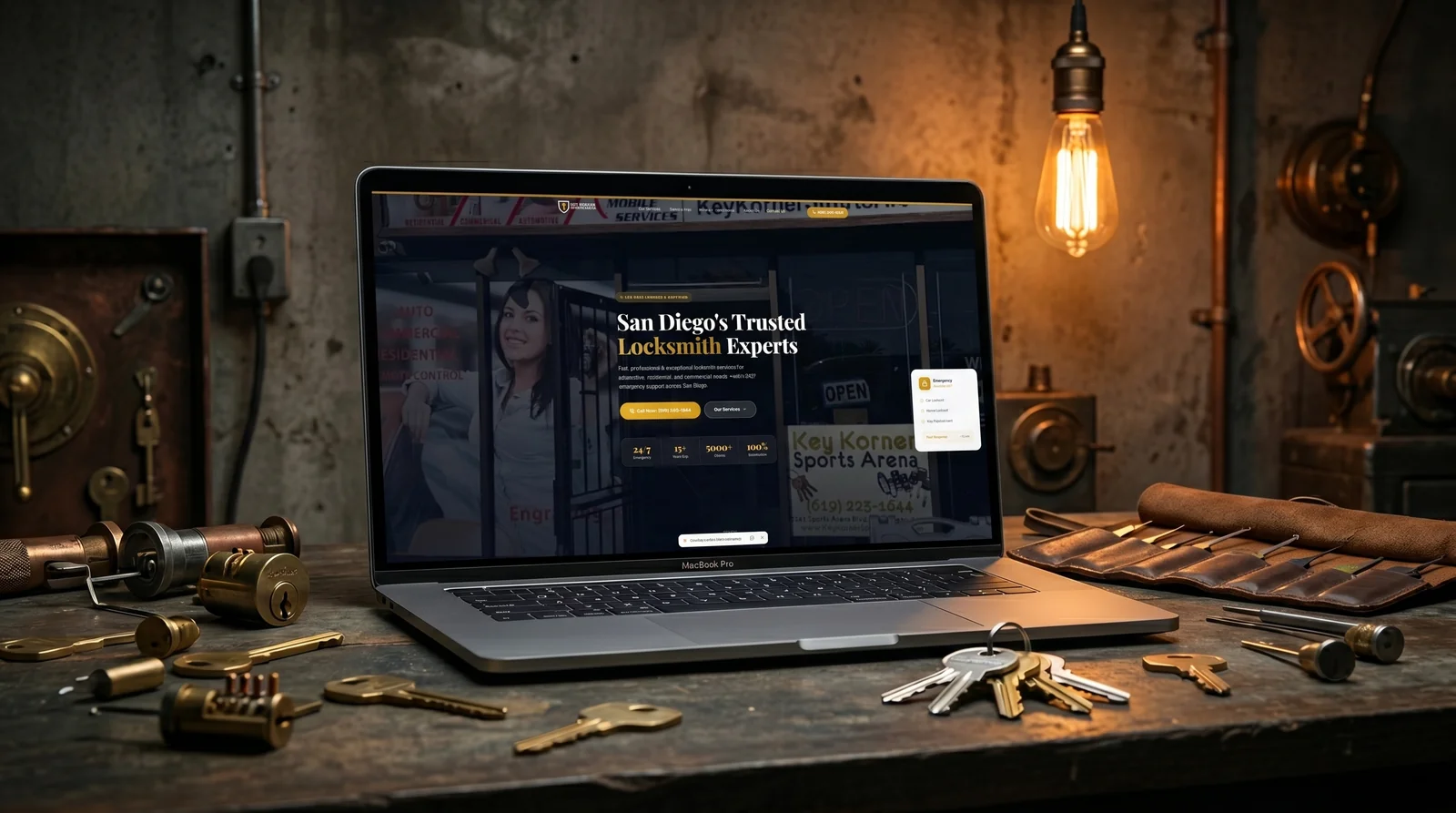
High-risk categories get extra scrutiny. We manage Key Korner, a San Diego locksmith ranked across 40+ neighborhoods with a 5.0 rating, and locksmith profiles face some of the strictest checks Google runs. Clean data hygiene is often the difference between staying live and starting a Google Business Profile reinstatement case.
Step 1: Identify Your Suspension Type
Before touching anything, determine which of the three suspension types you are facing. Each one has a different recovery path, and applying the wrong fix wastes days you cannot afford.
- Soft suspension: your profile still appears on Maps but shows as unverified. You lose the ability to manage reviews, posts, photos, and edits.
- Hard suspension: the profile is removed from Search and Maps entirely. Customers cannot find you, and your reviews are hidden along with it.
- Account suspension: the Google account that manages the profile is flagged. Every profile under that account goes down at once.
A soft suspension usually requires reverification rather than a full appeal. A hard suspension demands the complete evidence process in Steps 2 through 4. An account suspension means recovering the Google account first, then addressing the profile. Identify your type before you act, because the wrong form puts you in the wrong queue.

Step 2: Fix Every Violation First
The most damaging mistake owners make is filing the appeal immediately. Google’s reviewers evaluate your profile against the guidelines as it stands at the moment of review, not as it was when you were suspended. Submit while a violation is still live and you burn the attempt. Work through this checklist first:
- Business name matches your signage and legal documents exactly, with no added keywords
- Address is a real, staffed location; service-area businesses clear the address field and set service areas instead
- One profile exists per business per location, with duplicates removed
- Primary and secondary categories reflect what you actually do
- Phone number and website link resolve correctly and show matching name, address, and phone
- Hours, attributes, and service lists are accurate
Audit your website too, because reviewers check it. Your footer should display the same name, address, and phone as the profile. If you cannot tell what tripped the filter, our Google Business Profile services team runs this exact diagnostic for suspended profiles and finds the violation in hours, not weeks.
Step 3: Build Your Evidence Package
Reinstatement reviewers want proof that your business is real, operates at the address claimed, and does what the profile says. Gather your documents before you open the appeal form, because uploading everything in one submission moves faster than a back-and-forth.
- Business license or registration showing the exact profile name
- Utility bill, lease, or insurance document showing the address
- Photos of permanent exterior signage with the storefront and street visible
- Interior photos, branded vehicles, or equipment for service-area businesses
- Tax documents with sensitive numbers redacted
Name consistency decides cases. A weak Google Business Profile reinstatement case usually fails because the license says one name and the profile says another. Match them exactly, keep documents dated within the last 90 days where possible, and combine everything into clearly labeled files before you submit.
Step 4: Submit Your Google Business Profile Reinstatement Request
File through Google’s official channel only. Start at Google’s suspended profile help page, which walks you through the appeals tool tied to your account. Third-party shortcuts and random contact forms never reach the reinstatement queue.
- Submit one appeal at a time; duplicate requests can reset your place in the queue
- File from the email address with owner or primary manager access
- State the facts in three to five sentences: what was flagged, what you fixed, why you comply now
- Attach the full evidence package from Step 3
- Record your case ID and submission date for follow-up
Keep the tone factual and short. Reviewers process hundreds of appeals daily, and a clear reinstatement request backed by strong evidence beats a long emotional explanation every time. Most decisions arrive within a few business days to two weeks.
Step 5: Escalate a Denied Appeal
A denial is not the end. Google typically allows you to add new evidence to a denied appeal within 60 days, so your first move is strengthening the documentation, not arguing the same case again.
- Reply to the denial with new evidence, not the same files resubmitted
- Post in the Google Business Profile Help Community, where Product Experts can escalate legitimate cases
- If you work with an agency, have them escalate through their support channels and case history
What you should never do is create a duplicate profile while the original is suspended. That converts a recoverable problem into a potential permanent ban. Rebuilding from scratch is a true last resort, considered only after every appeal path is exhausted.
Protect Your Visibility While You Wait
Google Business Profile reinstatement timelines run from days to weeks, and your phone should not go silent in the meantime. Your website still ranks organically. Strengthen your local landing pages, keep collecting reviews on platforms like Yelp and Facebook, and verify your citations carry consistent business data.
This is where an organic foundation pays off. Our local SEO campaigns keep clients visible beyond the Map Pack: Mal Al Sham in El Cajon grew search impressions 400 percent and online orders 250 percent with a website and profile working together, so a temporary profile outage never meant zero traffic.

Google Business Profile Reinstatement FAQ
How long does Google Business Profile reinstatement take?
Most Google Business Profile reinstatement decisions arrive within a few business days to two weeks. Complex cases, account-level suspensions, and appeals requiring document review can stretch to four or six weeks. Submitting a complete evidence package the first time is the single best way to shorten the wait, because every back-and-forth request for more proof restarts the review clock.
Why was my GBP suspended without warning?
Most suspensions are automated. Google’s filters flag sudden edits to your name, address, category, or hours, new user access, keyword-stuffed names, and address types it associates with spam, such as virtual offices. You rarely get advance notice. The suspension email usually cites generic quality issues, which is why Step 1 of this guide focuses on diagnosing the real trigger yourself.
Can I create a new profile instead of appealing?
No. Creating a duplicate profile while suspended violates Google’s guidelines and can convert a recoverable suspension into a permanent ban tied to your business name, address, and account. Always pursue the reinstatement request first. A new profile is a last resort, used only after appeals are fully exhausted, ideally with guidance from someone who handles business profile recovery regularly.
Do I lose my reviews after a GBP suspension?
Usually no. Reviews, photos, and insights are hidden during a hard suspension, not deleted, and they return when the profile is reinstated. Losses happen when owners panic and delete the profile or create duplicates. Leave the suspended profile untouched while the appeal is in process and your review history will come back with it.
Should I hire a professional for a GBP appeal?
If revenue depends on the Map Pack, yes. One denied appeal makes every later attempt harder, and high-risk categories such as locksmiths, towing, and garage door services face stricter document review. An agency that files reinstatement requests weekly knows what evidence reviewers accept. We have recovered profiles for clients in exactly these categories, often on the first submission.
If your profile is suspended right now, you do not have to recover it alone. UR Local Marketing offers a free local visibility audit: we diagnose the suspension type, identify every violation, and map your fastest path back to the Map Pack. Reach our team through 24/7 support or call 888-252-0251, Monday through Friday, 9am to 6pm Pacific. The sooner your Google Business Profile reinstatement starts, the sooner the calls come back.